Your library, measured
The Overview turns your library into one picture: the share that runs on your Mac, the verdict and runtime split — native, Rosetta, CrossOver — top anti-cheat blockers and what changed since the last pass.
A free, open-source menubar app that brings CrosTem's verdicts into the macOS Steam client. Same engine as the extension, same three sources — shown where the Mac's Steam client shows games.






The Overview turns your library into one picture: the share that runs on your Mac, the verdict and runtime split — native, Rosetta, CrossOver — top anti-cheat blockers and what changed since the last pass.
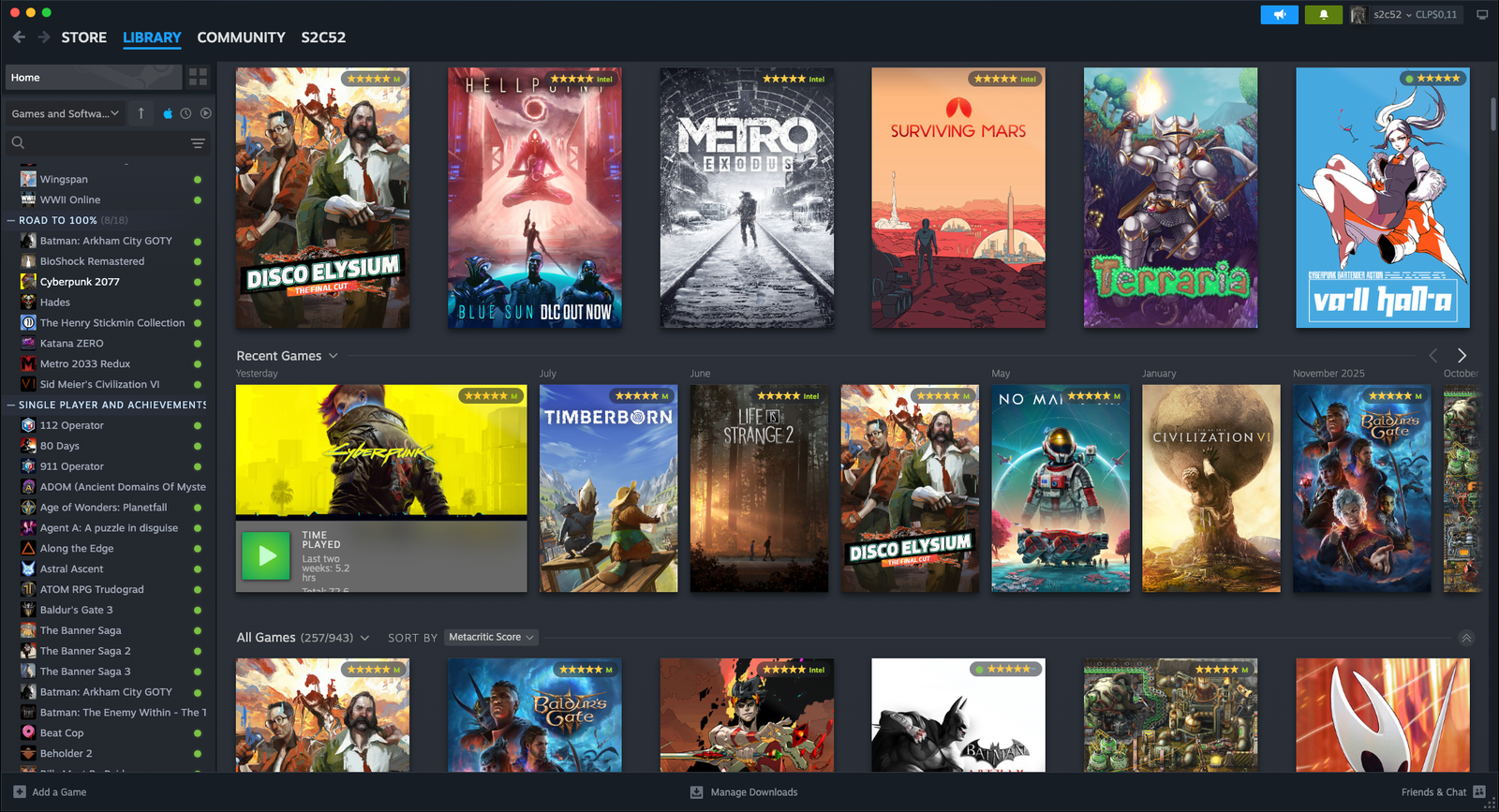
Game pages, store search, wishlist, capsules and Community pages get the same verdict widgets and badges as the extension — inside the Steam client.
A virtualized grid or a compact list of every game you own, with facets that compose — search, verdict, runtime, anti-cheat and architecture — and sorting by rating or by least-known.
A background sweep fills in verdicts for your whole library — paced so Steam stays responsive, cancellable at any moment, and it resumes right where it left off.
The menubar popover keeps a census at a glance — how many games run, the top blockers as an actionable count — plus one-click Steam actions and start at login.
A settings and tools panel injected right into Steam, mirrored in the dashboard window. Updates are notify-only — nothing installs itself.
Download the .dmg from the latest release, open it and drag CrosTem into Applications.
macOS is cautious with apps it hasn't seen before, so the first launch takes one extra click. On macOS 15: System Settings → Privacy & Security → “Open Anyway”. On macOS 13 or 14: right-click the app and choose Open. Once is enough — after that it opens like any other app.
Click the CrosTem menubar icon and choose Relaunch Steam. Steam restarts with CrosTem attached — verdicts appear as you browse.
Or install with Homebrew:
The extension and the Mac app share the same verdict engine and the same three sources. The extension covers the Steam website in any Chromium browser; the app covers the Steam client on your Mac. Run either, or both.